Live TV that feels live
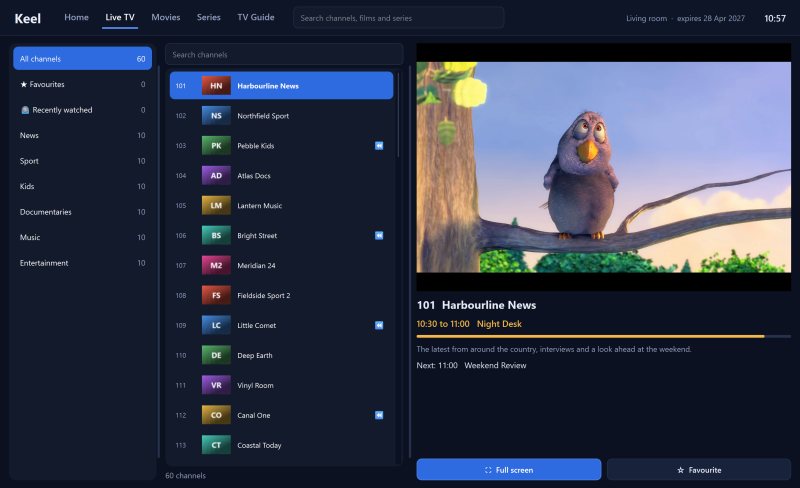
Categories, logos, now and next, and quick movement between channels.
01ONE CONNECTED EXPERIENCE KEEL / 01
THE BETTER WAY TO WATCH
Built for the screen in front of you, not a maze of settings. Clear browsing, familiar controls and the content you already have access to.
01 / CORE CAPABILITIES
From switching a channel to finding the next episode, the details have been considered.
Categories, logos, now and next, and quick movement between channels.
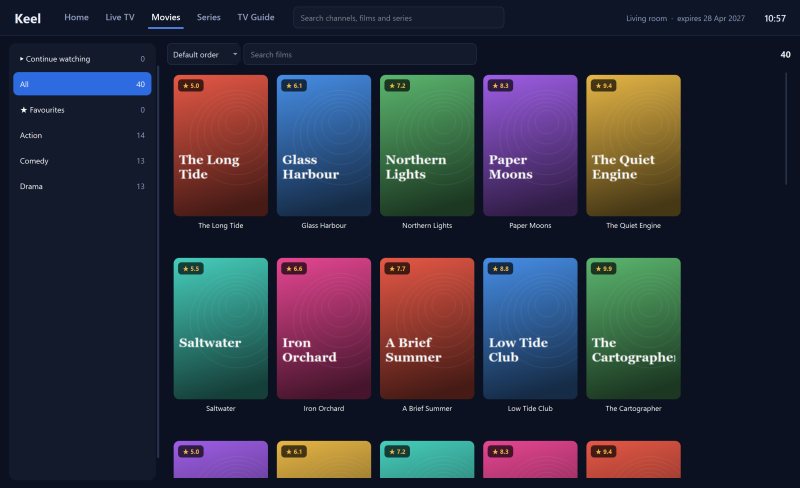
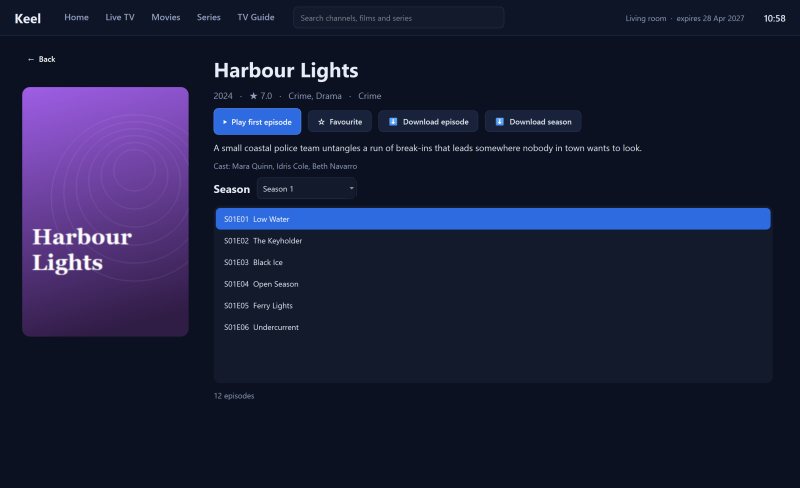
01Film and series artwork, watch progress, episode tracking and favourites.
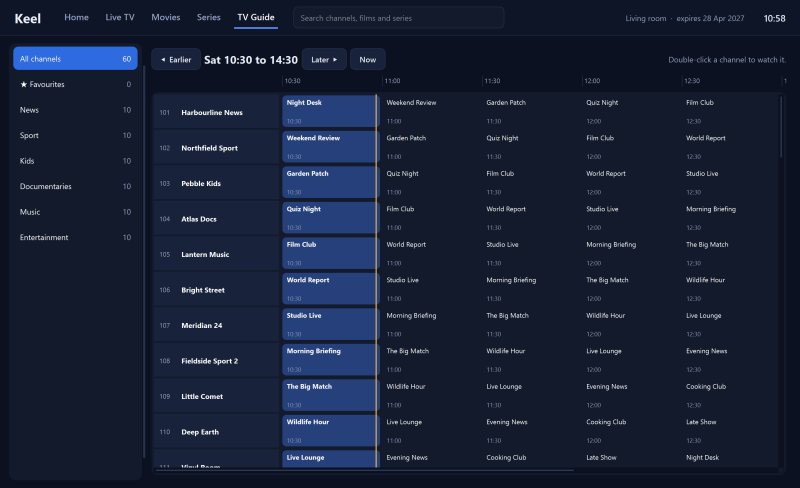
02See what is on across channels, with catch-up where your source supports it.
03Automatic reconnection and careful handling of single-connection providers.
04THE INTERFACE
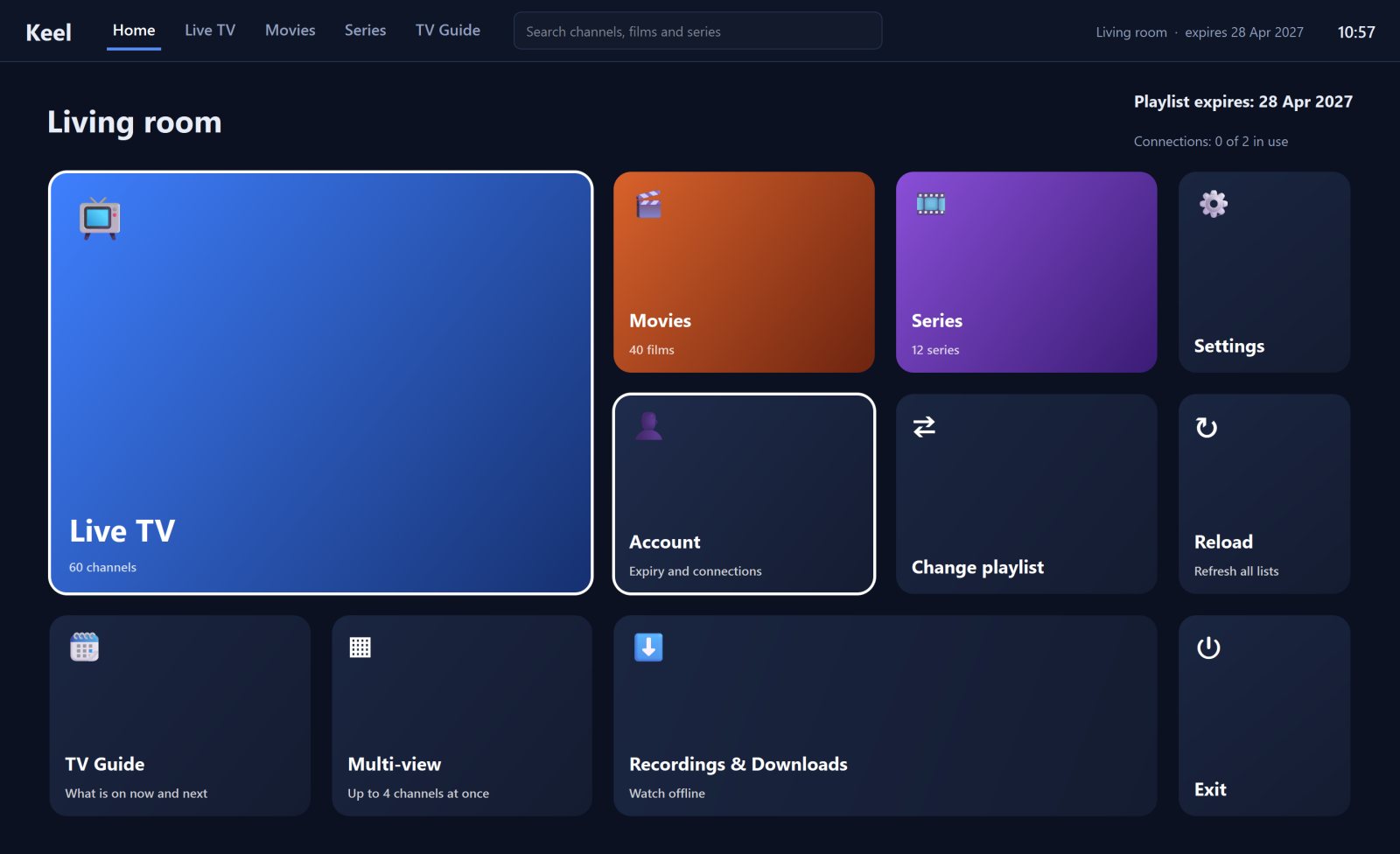
ACTUAL APPLICATION SCREENSHOTS © KEEL PLAYER
02 / THE EXPERIENCE
Choose a view to explore how the real Keel interface looks and works.
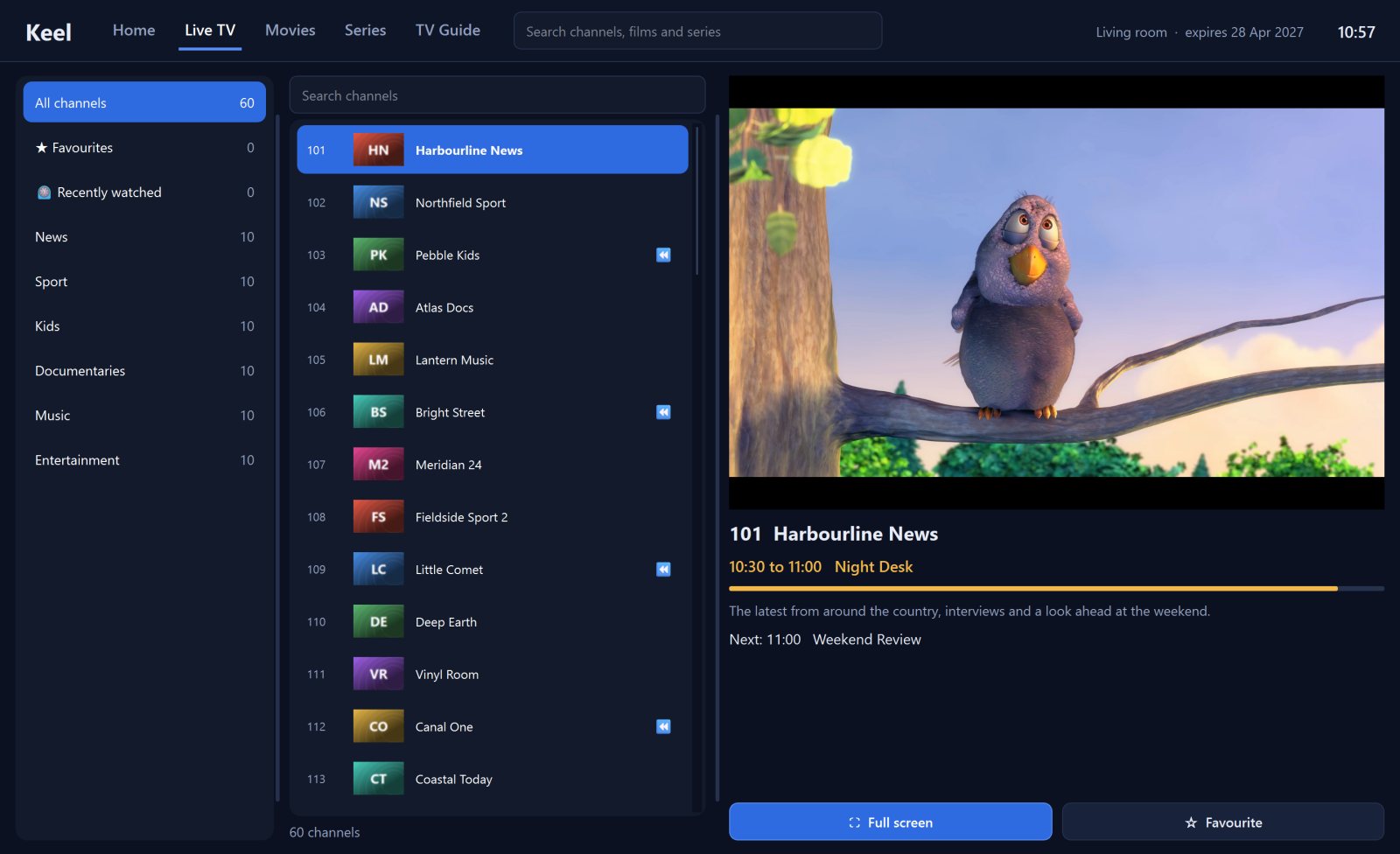
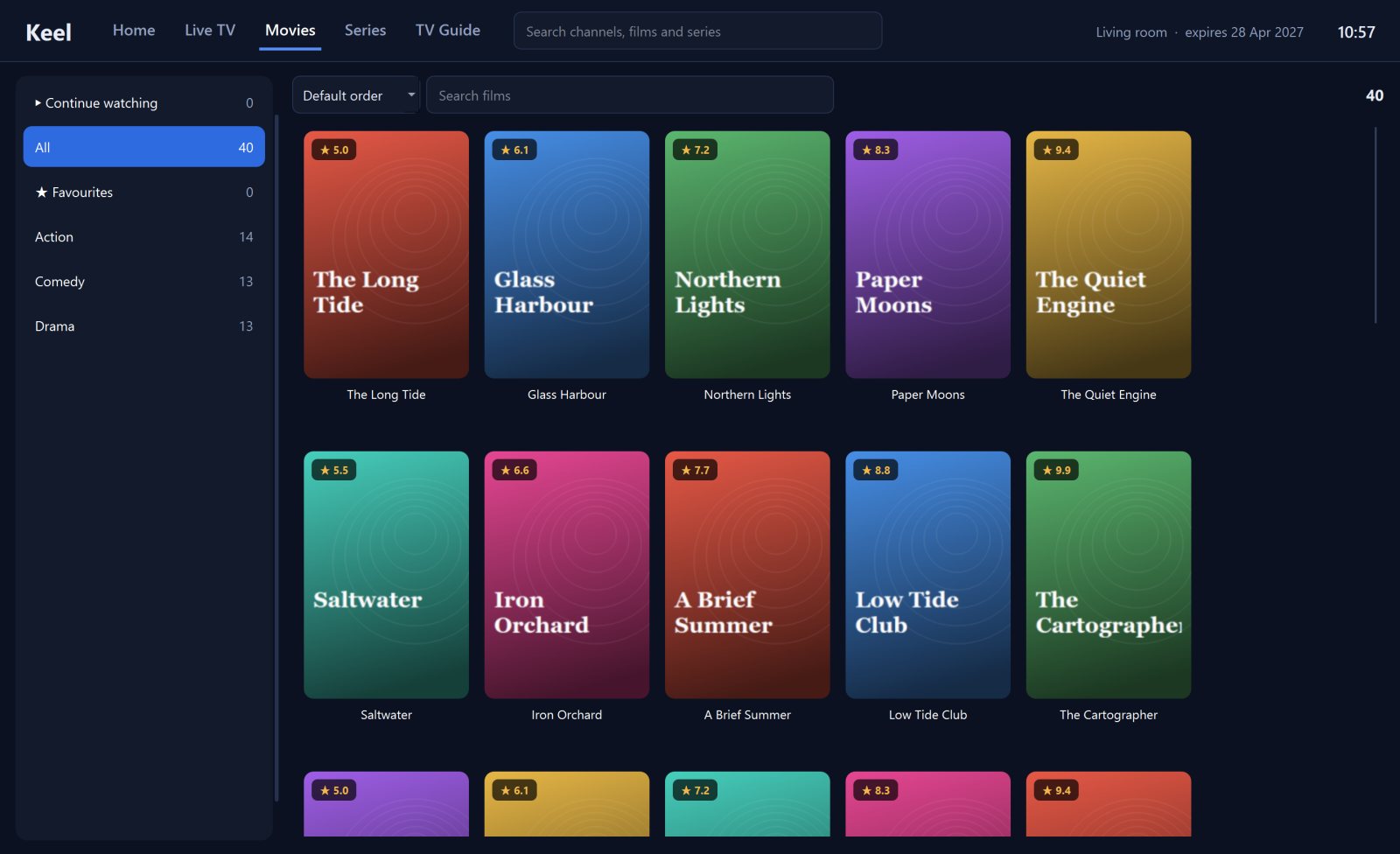
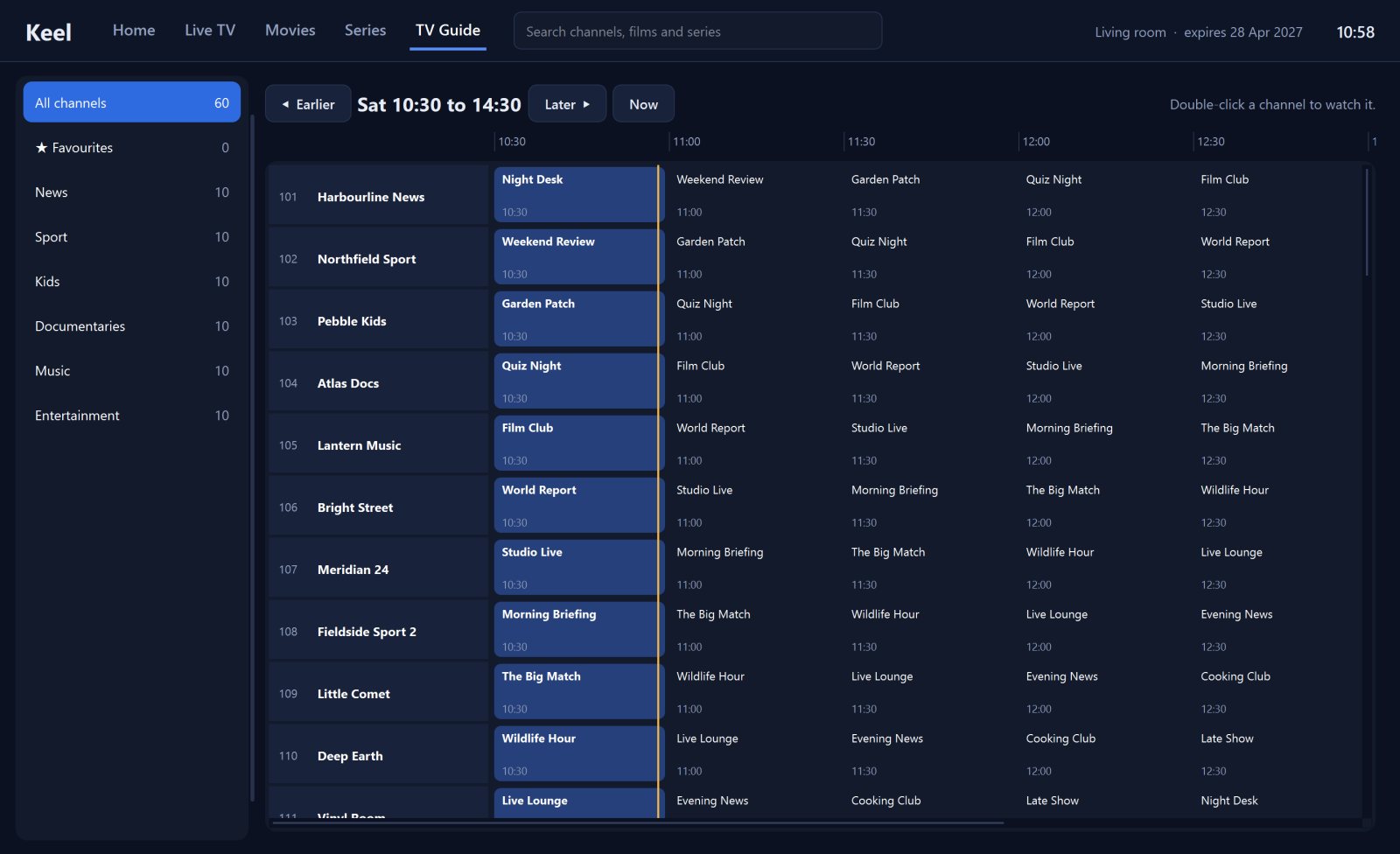
03 / THREE SIMPLE STEPS
Your provider stays yours. Keel is the player that brings it onto the screen you want.
Choose the build for your device and install Keel.
Add your M3U playlist or compatible provider login.
Browse channels, films, series and the programme guide.
Enjoy the content you are authorised to access.
04 / YOUR DEVICE, YOUR WAY
05 / STRAIGHTFORWARD PRICING
Try Keel first. When you're ready, choose the licence that works for your device.
FLEXIBLE
Enjoy Keel for a year on your device. Renew to extend your licence.
Choose annualBEST LONG-TERM VALUE ●
One payment for a lifetime Keel licence on that device.
Choose lifetimeLicences are per device. Payments are processed by Stripe. A licence covers Keel Player software only, not television content or third-party subscriptions.
No. Keel is a media player, not a content provider. You supply your own legitimate subscription or playlist and must have permission to view its content.
Keel supports M3U links and compatible Xtream Codes credentials from your provider.
Every device gets 7 days free. After that, a one-year or lifetime licence is available for each device. You can buy from within the app using your device identifier.
Yes. You can link devices and manage your playlist list using the web portal. Each device still needs its own licence.
Keel is designed to reuse connections and avoid opening unnecessary streams. Your provider's own limits and conditions still apply.
See the downloads page for current Windows, Android and Linux installation options and requirements.
READY TO GET STARTED?
Your streams. Your device. A player built to keep everything in its place.
Get Keel Player